Impersonate Your Customers: See What They See, Instantly
Supporting your customers just got a whole lot easier.
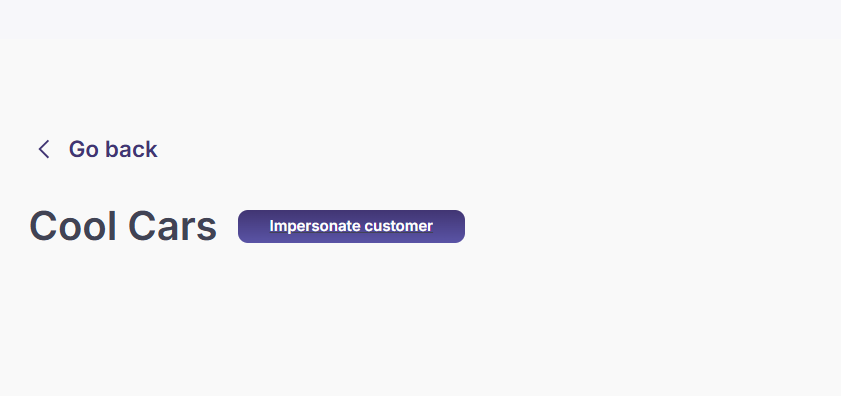
With one click, you can now access the dashboard exactly as your customer sees it—making it faster to troubleshoot issues, verify setups, and provide support with confidence. No more waiting on screenshots or back-and-forth explanations.
🔍 What’s New?
“Impersonate Customer” Button
Access this from the customer profile page in your dashboard.Real-Time Visibility
Jump into your customer’s portal experience to troubleshoot issues or verify settings.
💡 Why It’s Helpful
✅ Solve issues faster without relying on your customer
✅ Verify setups and configurations first-hand
✅ Provide support with total confidence
No more guessing. No more back-and-forth. Just clear, direct access to the experience your customer is having.
Try it out now from any customer profile in your dashboard!
Need help? Check the Help Center or contact our team.